- Granular Event Forensics: Documentation of the specific actors, assets, timestamps, and locations involved in a data exposure event.
- Behavioral Analysis: Deep dives into user patterns to differentiate between intentional insider threats and accidental policy bypasses.
- Sensitive Data Correlation: Direct links between incidents and data classification levels.
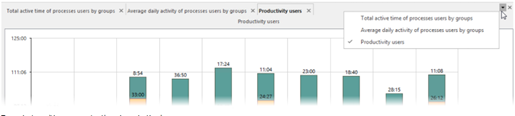
- Report Example: Click the button ▼ to navigate the open tabs. To close a separate tab, click x on the tab. To close all the tabs, click x on the right
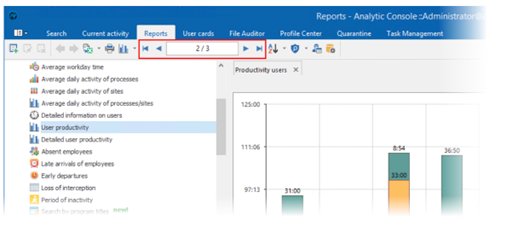
To navigate multi-page reports, there is a pagination bar.
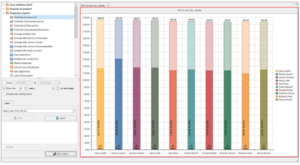
Drill-down of reports
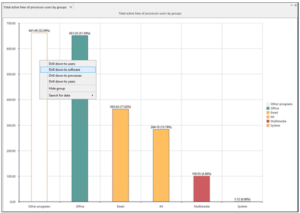
The console allows drill-down of reports (switching to related reports for more details). The drill-down feature is available for tables, diagrams, and time curves.
Context sensitive reports
Right-click on the diagram column, row header or table column to open context menu with the list of related reports.
For example, if a report displays general statistics for every product (HTTP, Skype, Mail, etc.), right-click on Skype column and select Messages by protocols from the context menu to display statistics on files and chats.
Exporting report
Reports can be exported to the following file formats: XLS, HTML, TXT, XML, PDF. To export reports to a file, click button.
Printing report
To print a report, click the button . Customize printing options and click Print.
Changing the display mode
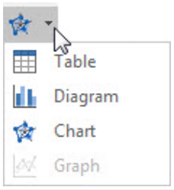
Use the drop-down menu to change the display mode.